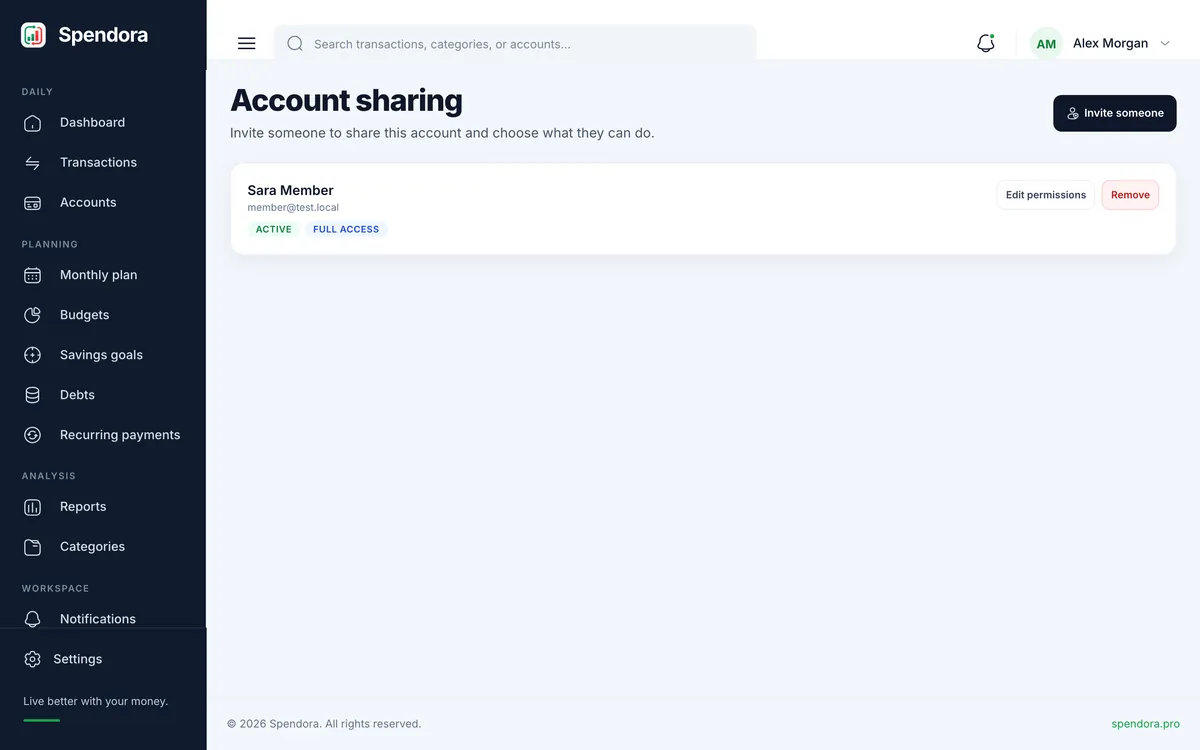
Invite someone into your workspace and choose exactly what they can do.
3 min read
Invite someone
Open Account sharing and press Invite.
Enter their name and email address.
Tick the areas they may use, or give full access.
They receive an email with a link to set their own password.
Everyone in the workspace and what they can reach.
What members see
Members work inside your account: the same accounts, transactions and budgets, limited to the areas you ticked. Every entry records who added it, so you always know who did what.
Full access also allows settings, billing and inviting others. You can change permissions or remove access at any time.