Choose your language and currency, add your first account, and you are ready to record.
3 min read
What setup asks you
The first time you sign in, Spendora asks six short questions: your language, whether the money is personal or for a household, your country and the day your week starts, your main currency, and your first account. Each answer is saved as you go, so you can close the page and come back to the same step.
Your main currency is the one used for totals and reports. Individual accounts can hold other currencies.
Add your first account
Pick the type: cash for money in your pocket, bank for a current account.
Give it a name you will recognise, such as “Wallet” or the name of your bank.
Enter the amount that is in it right now. This becomes the opening balance.
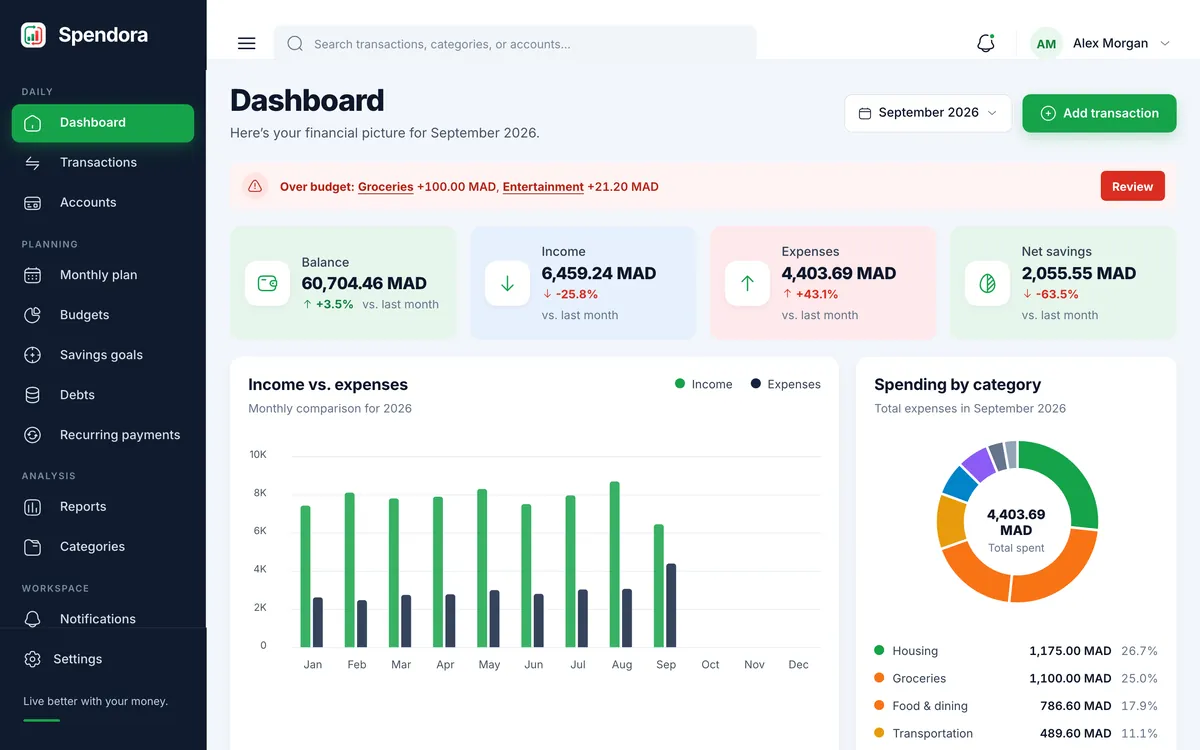
Finish setup and you land on your dashboard.
The dashboard after setup, before you record anything.